
Tips & Tricks
DIVI Tutorials
Changing and adding images
Basic Page Edits
DIVI Tips & Tricks
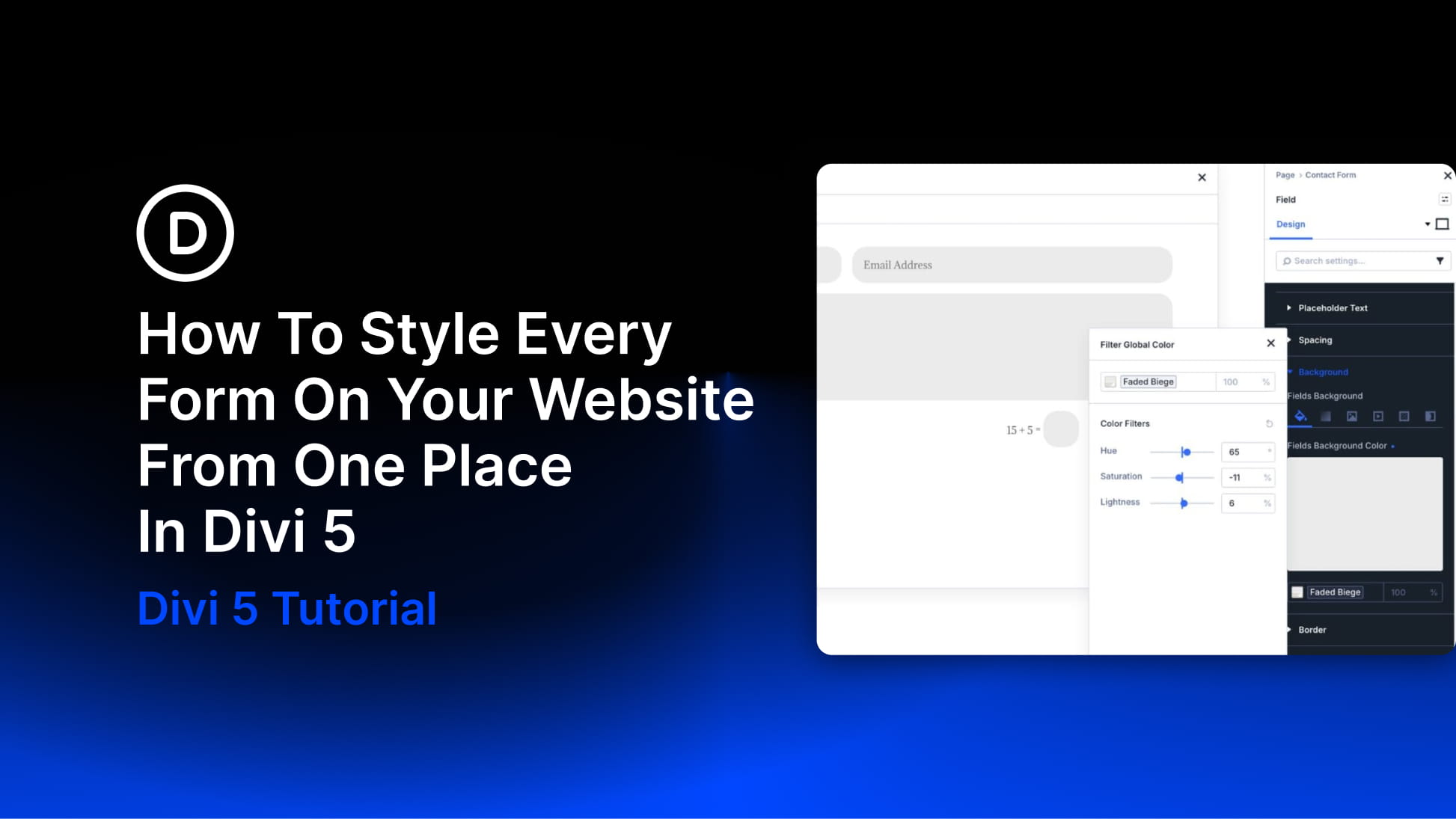
- How To Style Every Form On Your Website From One Place In Divi 5
 by Aayush on May 24, 2026 at 4:00 pm
Divi 5 lets you style forms as part of a larger design system instead of repeating the same decisions in every module. With new form field options, dedicated Input, Checkbox, and Radio option groups, focus and checked states, Design Variables, and the Preset Manager, you can style form fields once and reuse those decisions across The post How To Style Every Form On Your Website From One Place In Divi 5 appeared first on Elegant Themes Blog.
- Part 12: Making Your Divi 5 Website Fully Responsive
 by Deanna McLean on May 23, 2026 at 4:00 pm
Welcome back to the Divi 5 Mastery Course. In Parts 5–9, we built the coworking space website’s homepage, header, footer, global templates, and core inner pages. Then, in Parts 10–11, we strengthened those layouts with Flexbox and CSS Grid. Responsiveness was part of the build all along, but this final pass is where we refine The post Part 12: Making Your Divi 5 Website Fully Responsive appeared first on Elegant Themes Blog.
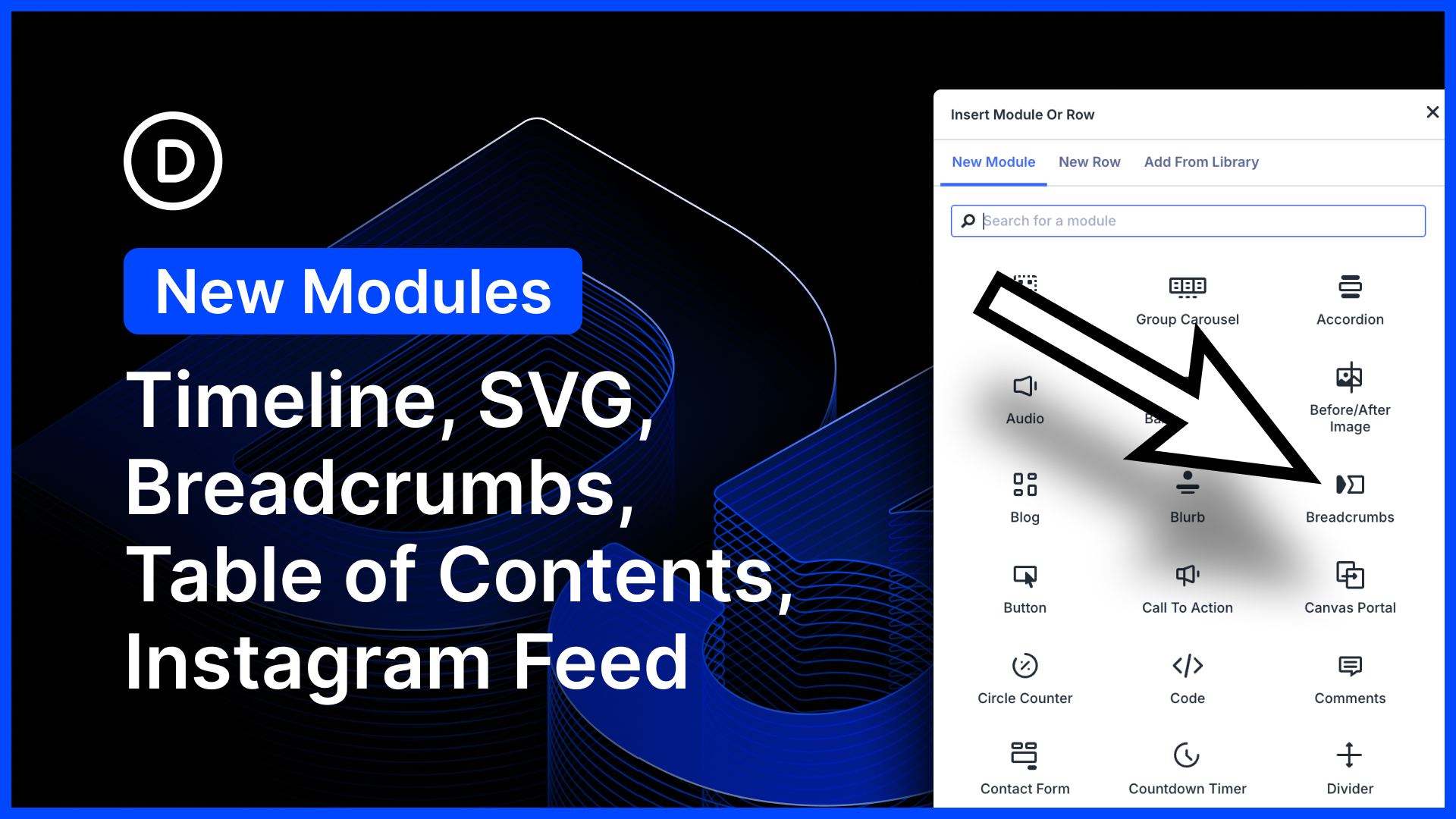
- Five New Modules for Divi 5 (Timeline, Breadcrumbs, Table of Contents, SVG, Instagram Feed)
 by Nick Roach on May 22, 2026 at 7:53 pm
We just released five new modules for Divi 5! Create beautiful, animated timelines using the timeline module. This one works great with loops. Add breadcrumbs to any page using the new breadcrumbs module; simple, but great for Theme Builder templates! SVGs are great; lightweight and pixel-perfect. Now you can add SVGs and style them using The post Five New Modules for Divi 5 (Timeline, Breadcrumbs, Table of Contents, SVG, Instagram Feed) appeared first on Elegant Themes Blog.
- Part 11: Mastering CSS Grid In Divi 5
 by Christopher Morris on May 22, 2026 at 4:00 pm
Before Divi 5, building layouts that broke out of Divi’s standard column structures often meant nesting rows, writing custom CSS, or settling for a simpler design. Divi 5 changes that by bringing CSS Grid into the Visual Builder. CSS Grid gives you precise control over two-dimensional layouts. Instead of only arranging items in a row The post Part 11: Mastering CSS Grid In Divi 5 appeared first on Elegant Themes Blog.
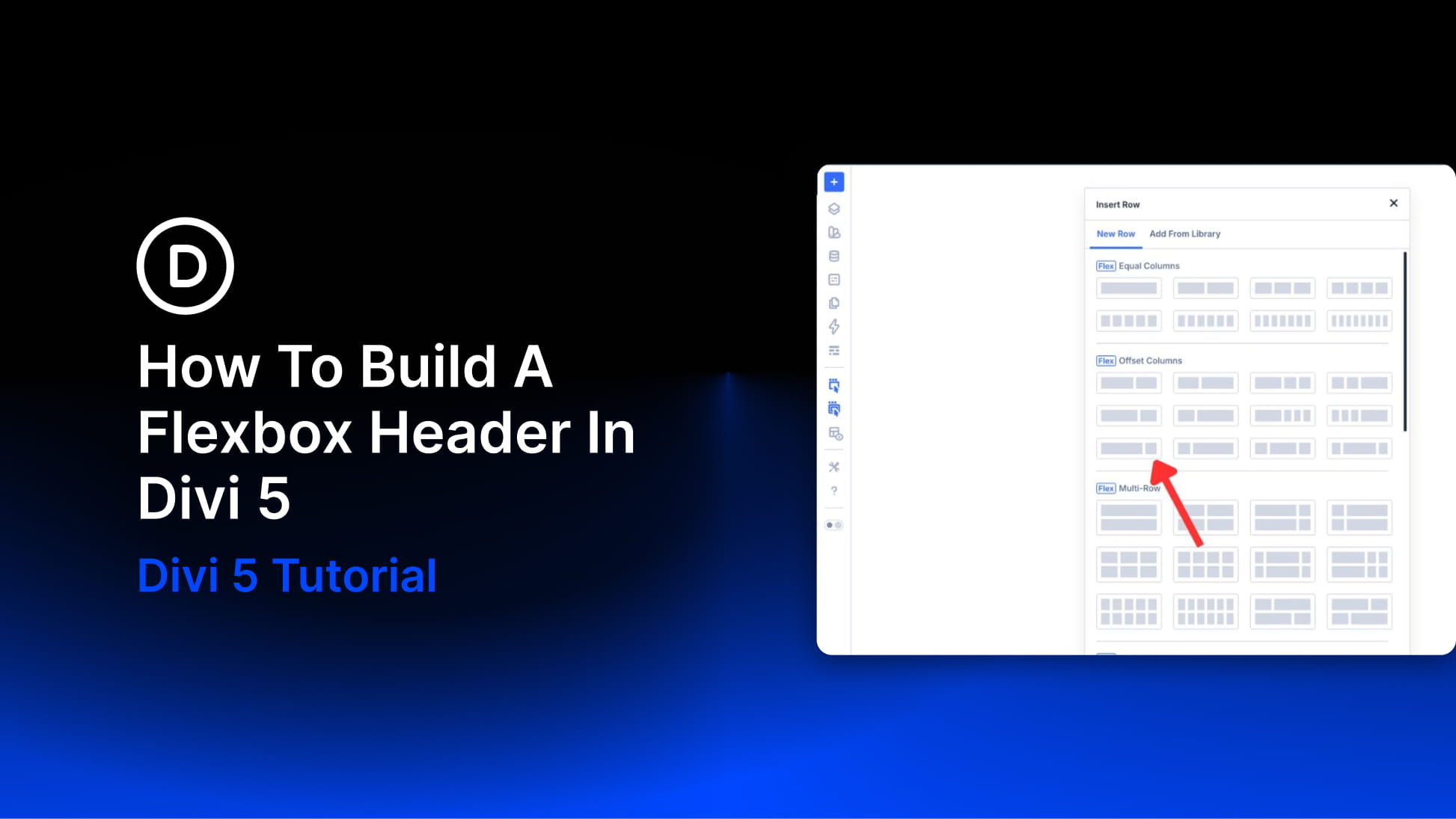
- How To Build A Flexbox Header In Divi 5
 by Aayush on May 21, 2026 at 4:00 pm
A header layout is a structural problem before it is a visual one. The logo, navigation, icons, and CTA need a clear relationship. You need to decide where each item sits, how much space separates it, and what changes on smaller screens. Flexbox solves that problem with layout rules. In Divi 5, those controls live The post How To Build A Flexbox Header In Divi 5 appeared first on Elegant Themes Blog.
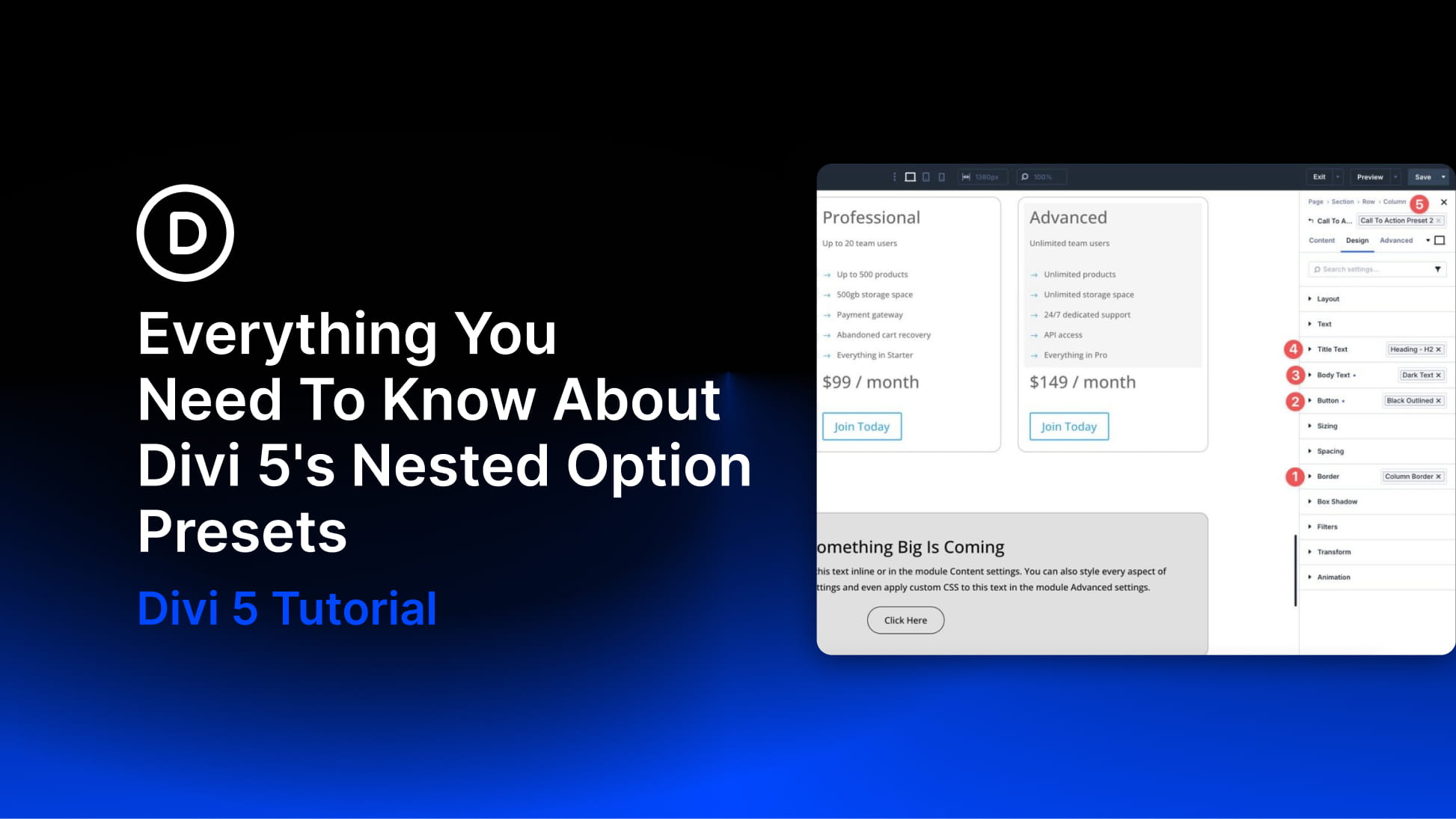
- Everything You Need To Know About Divi 5’s Nested Option Presets
 by Deanna McLean on May 20, 2026 at 4:00 pm
Divi 5‘s preset system makes it easier to create, reuse, and maintain consistent styles across an entire website. Instead of rebuilding the same button, border, form field, or card style again and again, you can save those styles as presets and apply them wherever they fit. With the release of Nested Option Presets, the preset The post Everything You Need To Know About Divi 5’s Nested Option Presets appeared first on Elegant Themes Blog.
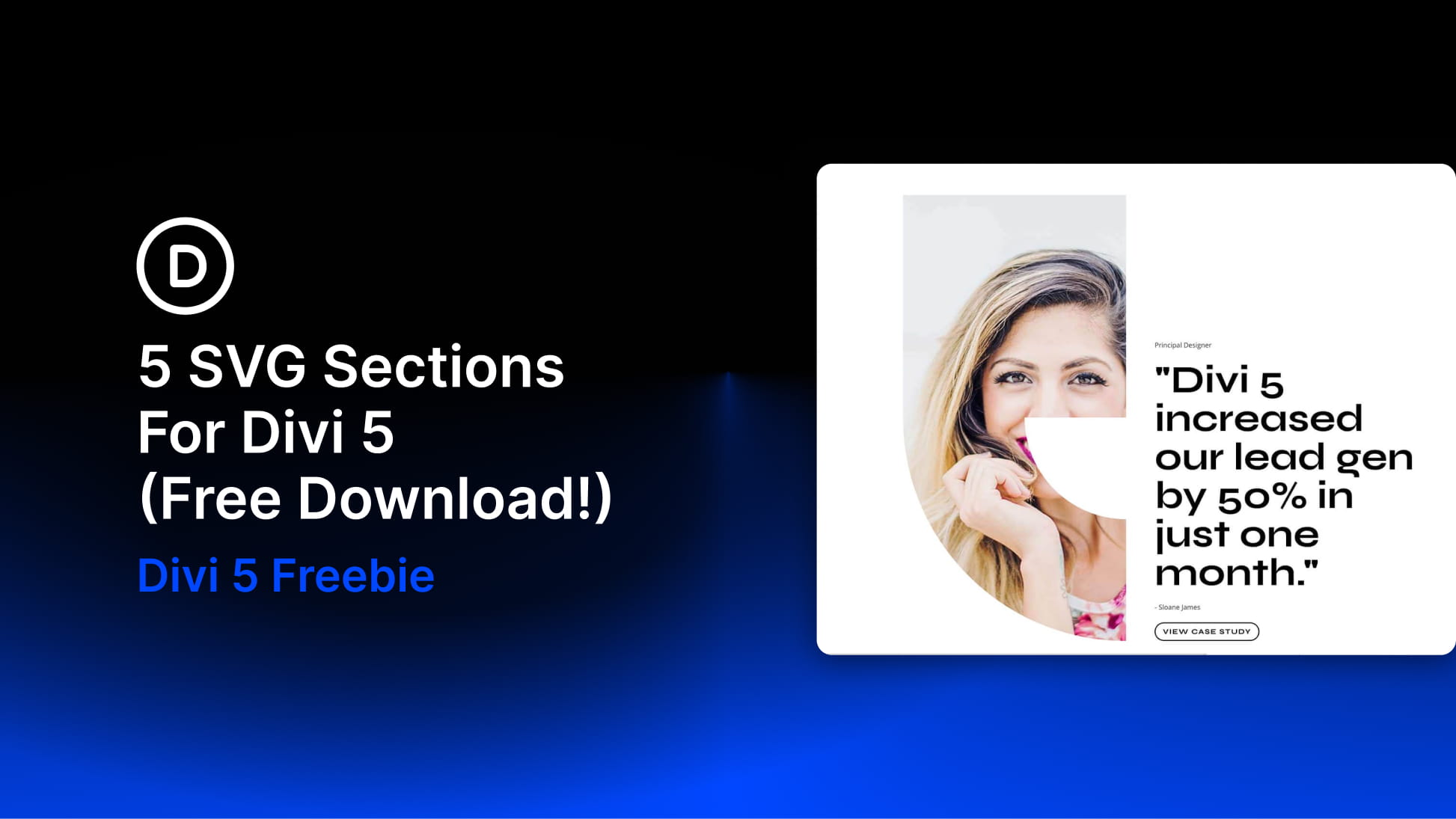
- 5 SVG Sections For Divi 5 (Free Download!)
 by Donjete Vuniqi on May 19, 2026 at 4:00 pm
Divi 5 gives you a flexible way to build polished visual sections with clean layouts, modern styling, and lightweight design elements. In this free pack, you’ll get 5 SVG Sections for Divi 5 that you can use to add decorative graphics, illustrated content blocks, testimonial visuals, profile accents, rating elements, and more to your website. The post 5 SVG Sections For Divi 5 (Free Download!) appeared first on Elegant Themes Blog.
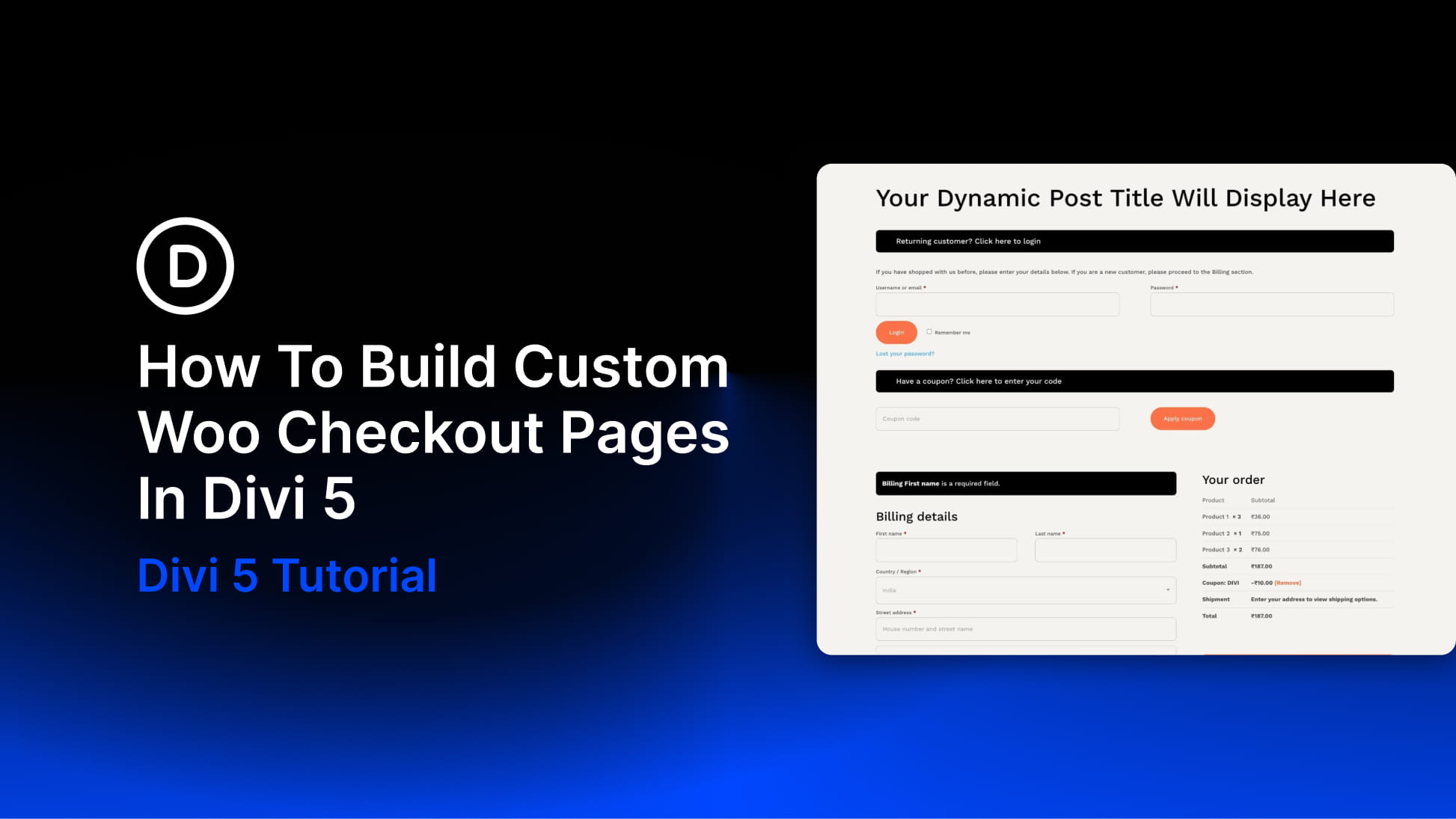
- How To Build Custom Woo Checkout Pages In Divi 5
 by Ekta Swarnkar on May 18, 2026 at 4:00 pm
Most WooCommerce stores put real thought into their homepage and product pages, but the checkout often feels like a completely different site. Generic fields, uneven spacing, and a layout that looks out of the box can weaken trust at the exact moment a customer is deciding whether to complete their order. Divi 5‘s dedicated Woo The post How To Build Custom Woo Checkout Pages In Divi 5 appeared first on Elegant Themes Blog.
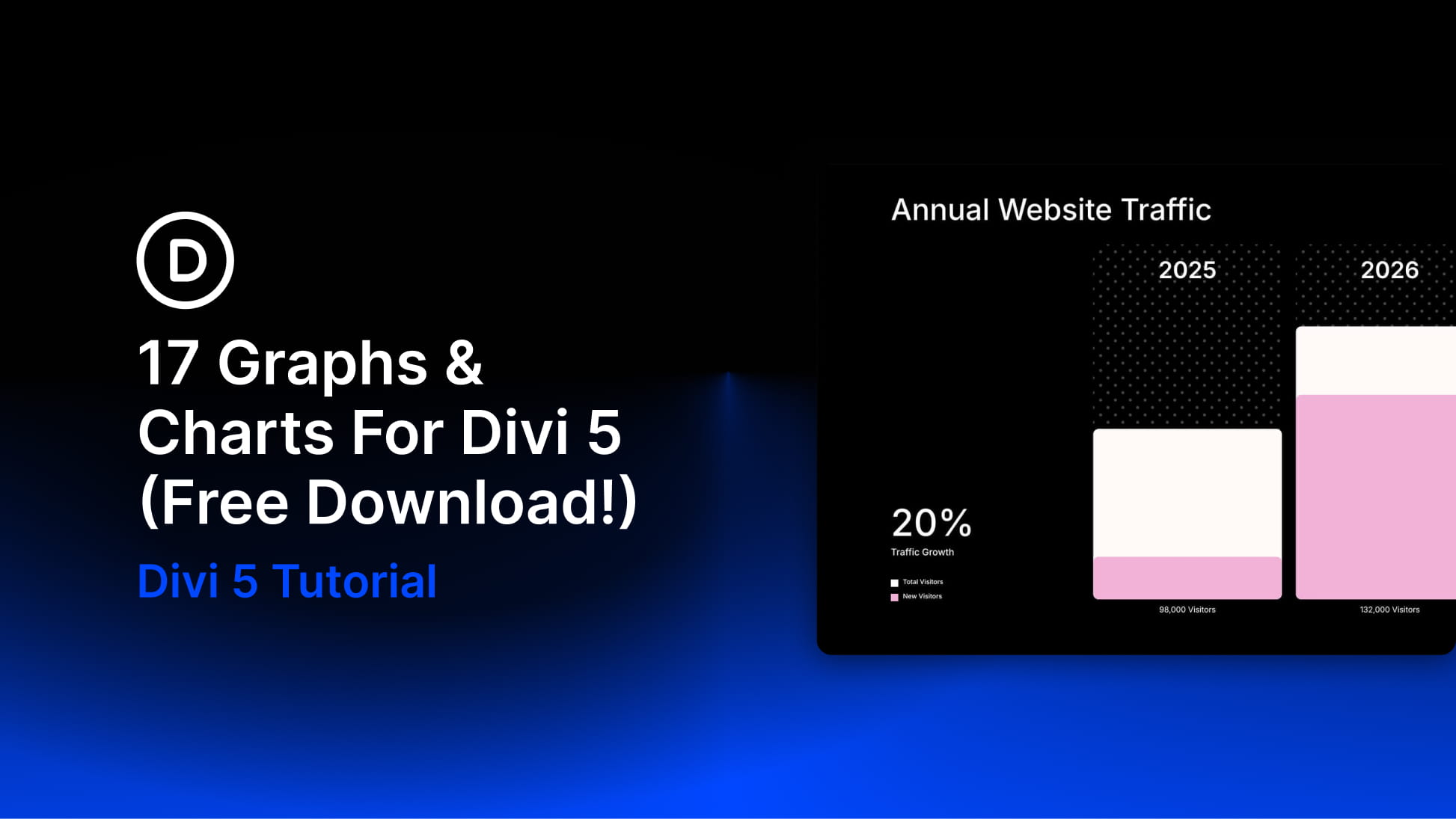
- 17 Graphs & Charts For Divi 5 (Free Download!)
 by Donjete Vuniqi on May 17, 2026 at 4:00 pm
Divi 5 makes it easy to create polished, visual sections that help data feel clear, organized, and engaging. In this free pack, you’ll get 17 Graphs & Charts sections for Divi 5 that are perfect for showcasing website visits, revenue, growth, campaign performance, comparisons, timelines, reports, dashboards, analytics highlights, and more. Each section uses clean The post 17 Graphs & Charts For Divi 5 (Free Download!) appeared first on Elegant Themes Blog.
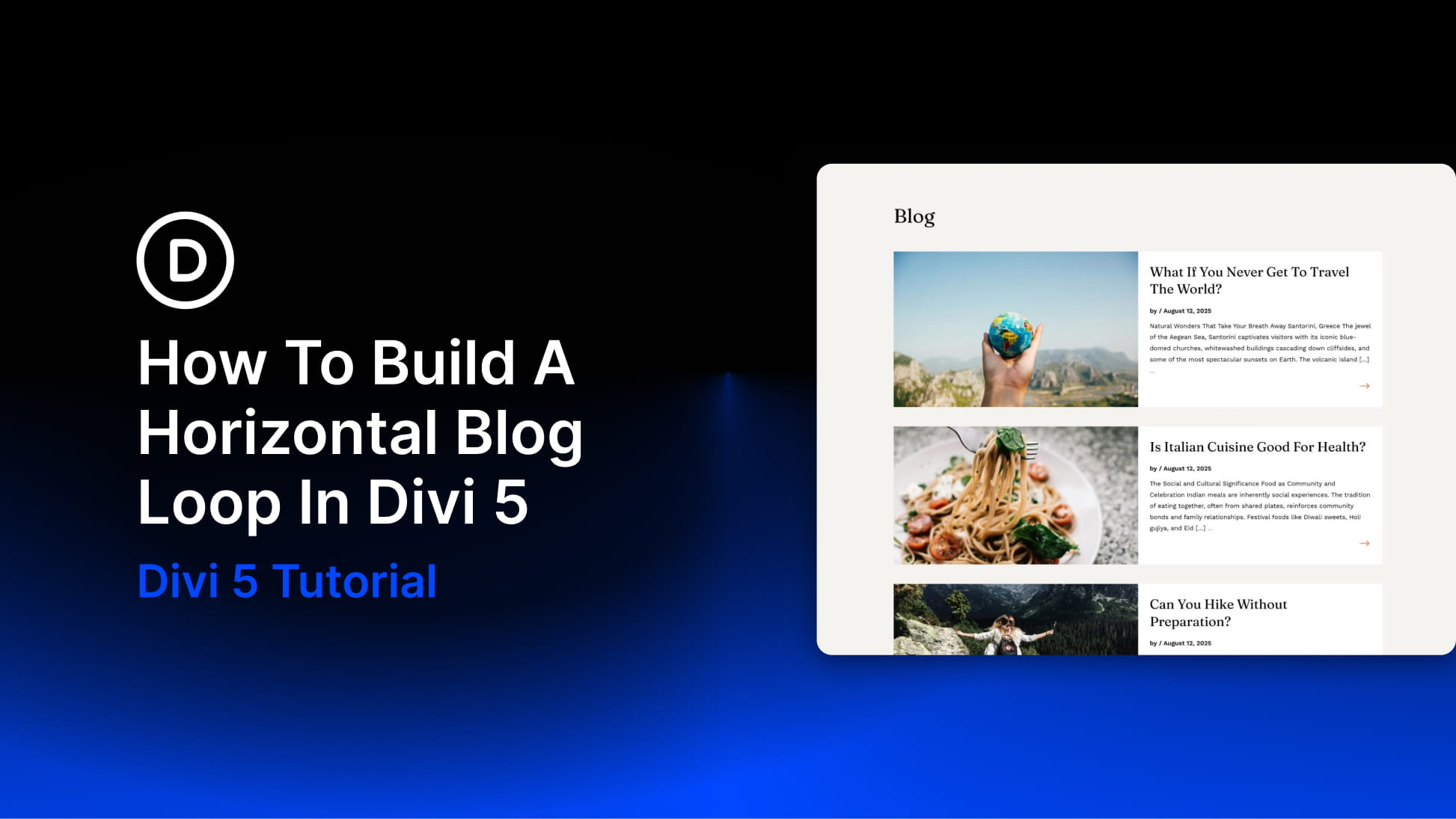
- How To Build A Horizontal Blog Loop In Divi 5
 by Ekta Swarnkar on May 16, 2026 at 4:00 pm
WordPress can show posts on a blog page automatically, but the default output rarely gives you full control over the actual card structure. The image position, meta layout, excerpt placement, and read more link all follow a preset pattern unless you start customizing the theme or working around the module. The Loop Builder in Divi The post How To Build A Horizontal Blog Loop In Divi 5 appeared first on Elegant Themes Blog.