
Tips & Tricks
DIVI Tutorials
Changing and adding images
Basic Page Edits
DIVI Tips & Tricks
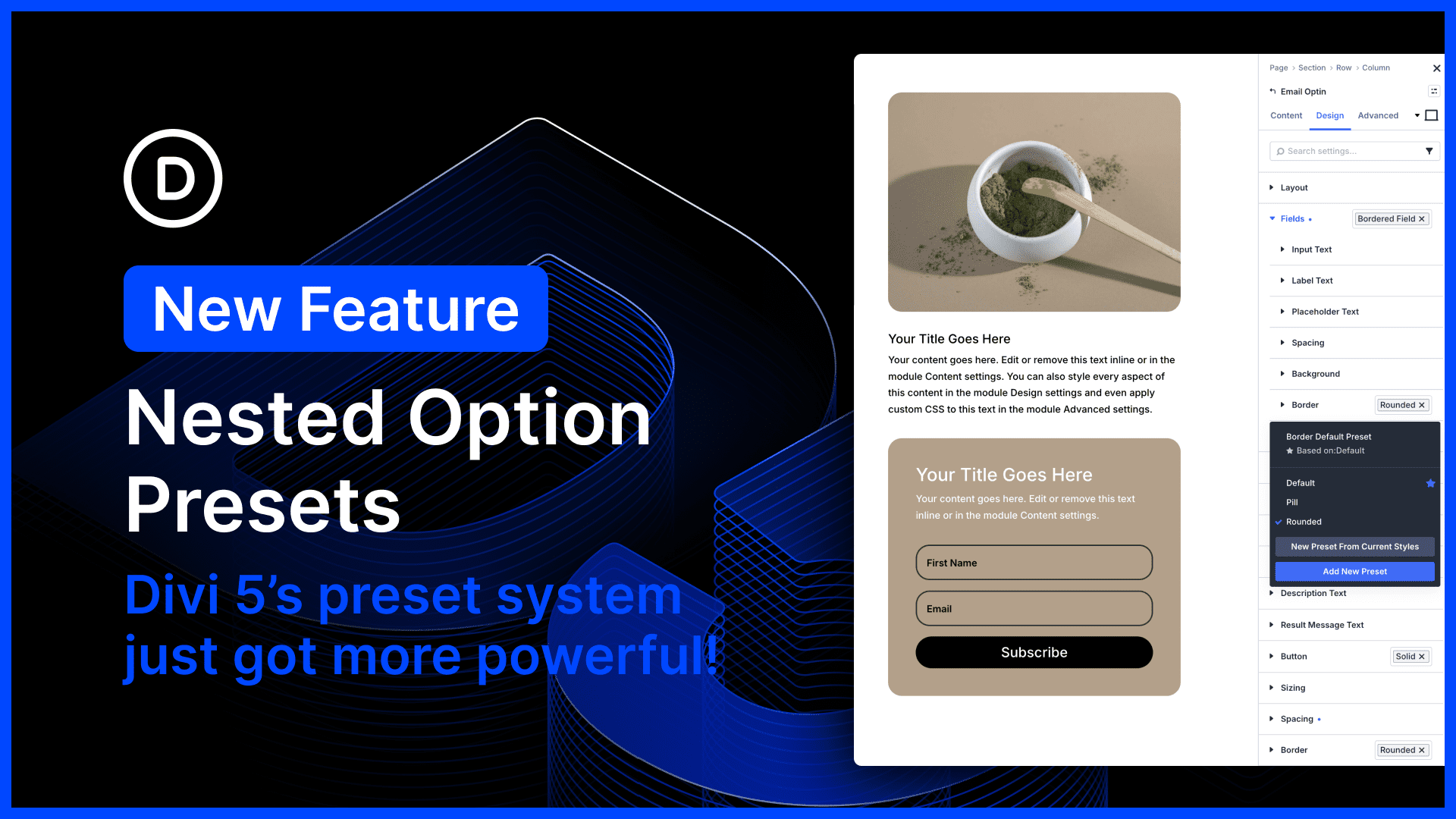
- Nested Options Presets for Divi 5
 by Nick Roach on April 22, 2026 at 5:19 pm
Divi 5’s preset system is the most powerful class-based design system of any WordPress page builder. In fact, Divi 5 presets encapsulate far more than just CSS; they are stackable, nestable global components. Additionally, Divi offers the unique concept of option presets that allow you to create shared styles for subcomponents and option types, and to nest The post Nested Options Presets for Divi 5 appeared first on Elegant Themes Blog.
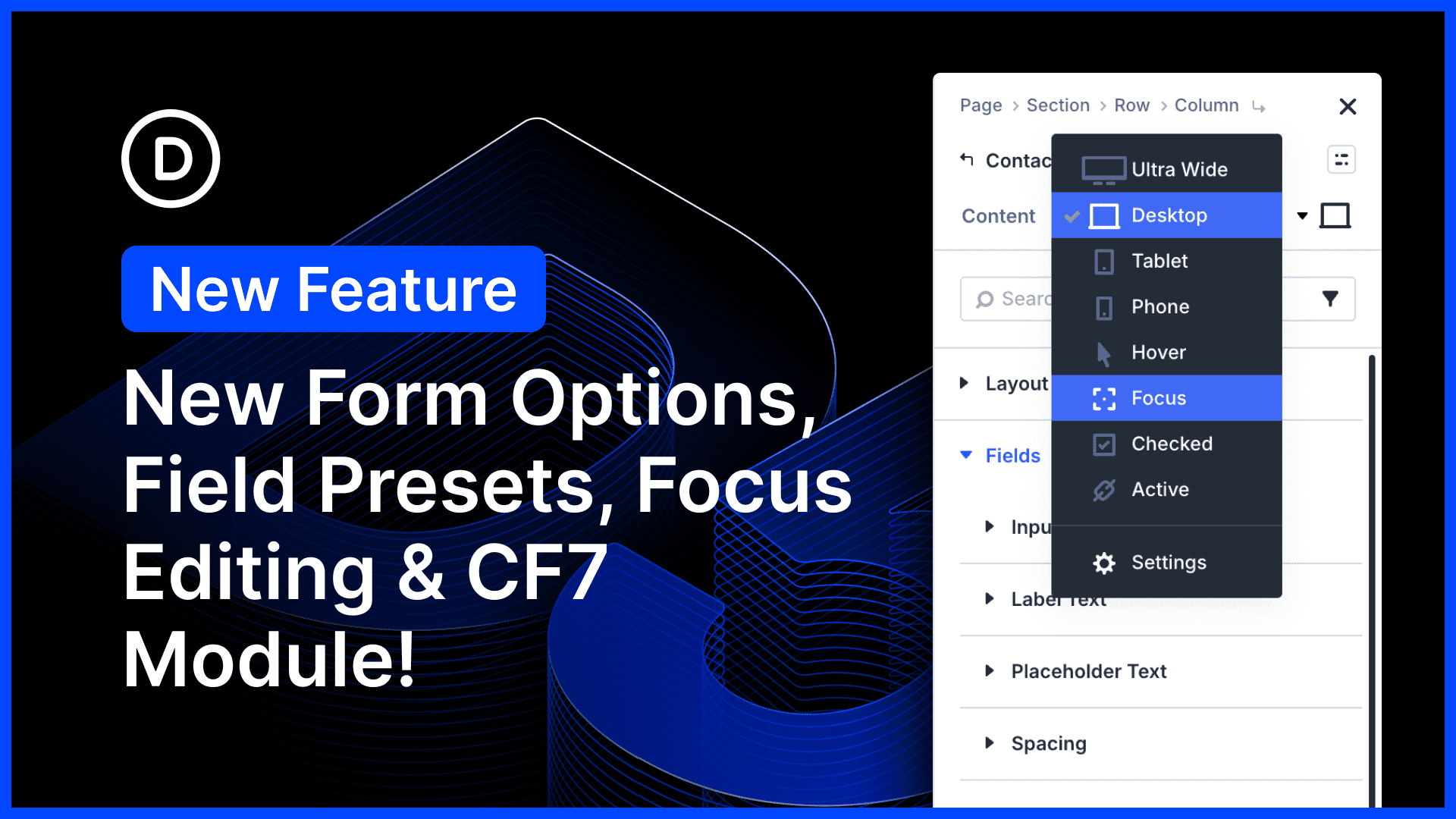
- Better Form Styling, Field Presets, Focus Editing, And CF7 Module for Divi 5
 by Nick Roach on April 21, 2026 at 6:53 pm
There’s so much to talk about in this Divi 5 feature update! We harmonized field options across all form-based modules, adding additional styling options for form elements such as radio buttons and checkboxes. In addition to hover editing, we added new editing modes for field-based pseudo-classes, such as :checked and :focus, giving you full control The post Better Form Styling, Field Presets, Focus Editing, And CF7 Module for Divi 5 appeared first on Elegant Themes Blog.
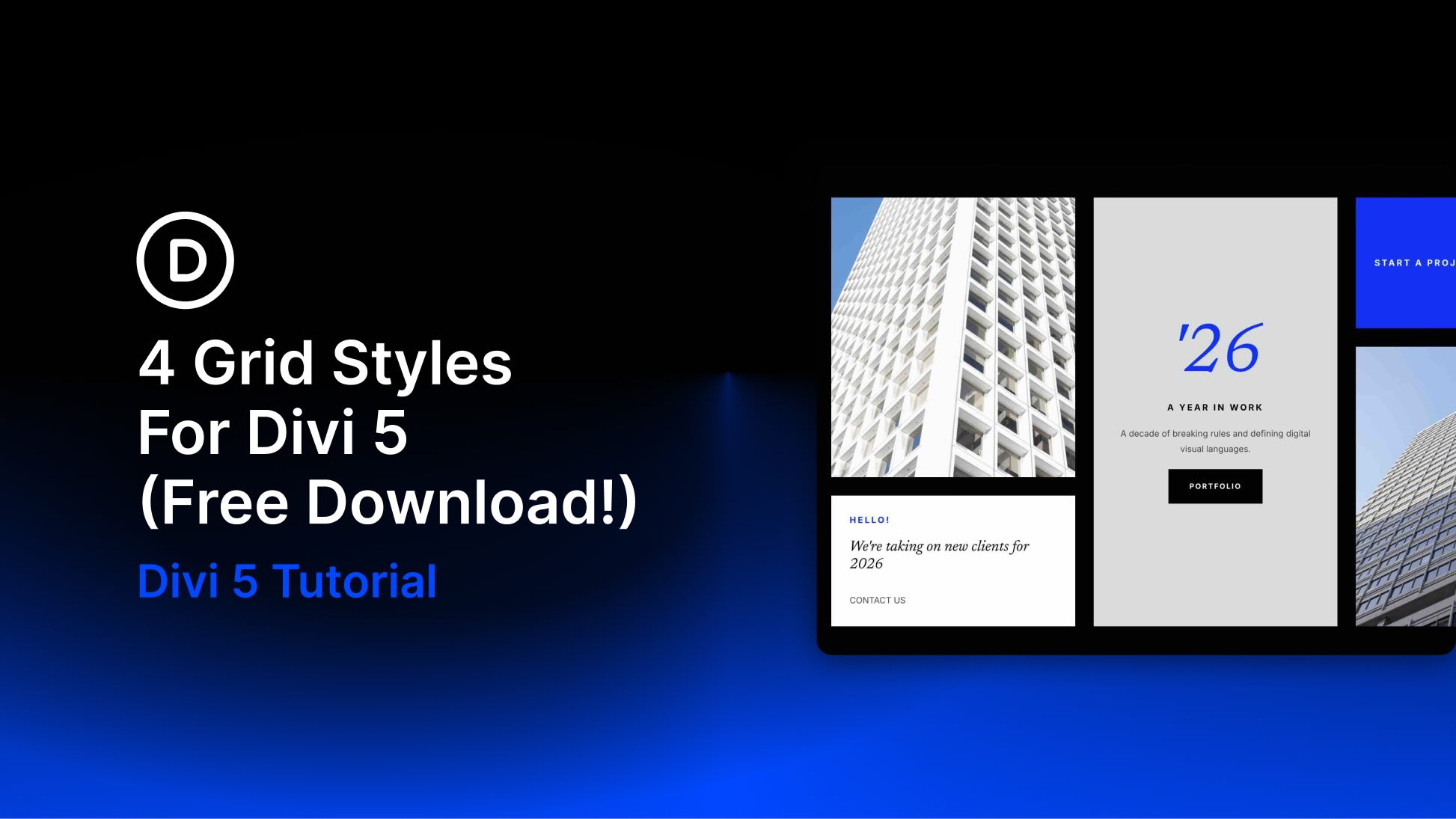
- 4 Grid Styles For Divi 5 (Free Download!)
 by Donjete Vuniqi on April 20, 2026 at 4:00 pm
Divi 5 makes it easy to build clean, visually engaging layouts with more structure and variety. In this free pack, you’ll get 4 Styled Grid Layout Designs that are perfect for landing pages, portfolios, featured content sections, editorial layouts, business pages, and more. Each one gives you a polished starting point with strong visual rhythm, The post 4 Grid Styles For Divi 5 (Free Download!) appeared first on Elegant Themes Blog.
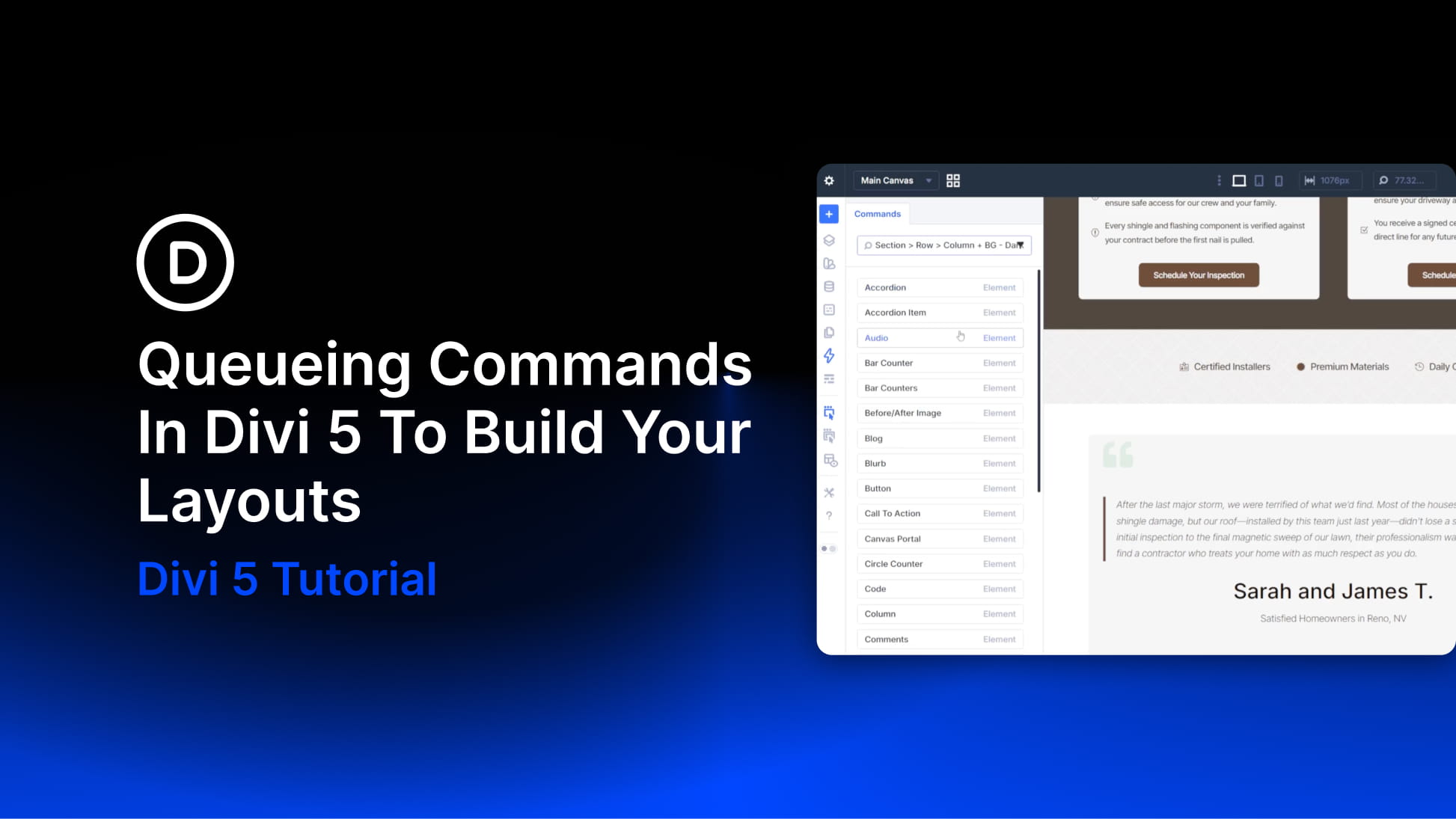
- Queueing Commands In Divi 5 To Build Your Layouts
 by Christopher Morris on April 19, 2026 at 4:00 pm
Building a new section on a site with an established design system is where Divi 5‘s Command Center becomes especially useful. On a site without presets, creating a new section usually means two separate tasks. First, you build the structure. Then you open the settings panel and apply the design choices manually. On a site The post Queueing Commands In Divi 5 To Build Your Layouts appeared first on Elegant Themes Blog.
- Semantic Links vs Dynamic Click Areas In Divi 5
 by Christopher Morris on April 18, 2026 at 4:00 pm
Links are the connective tissue of the web. When they are built correctly, they help users move through content, give search engines clearer signals about page relationships, and provide assistive technologies with predictable navigation. When they are built poorly, they can create friction for users and reduce the clarity of your page structure. Divi 5 The post Semantic Links vs Dynamic Click Areas In Divi 5 appeared first on Elegant Themes Blog.
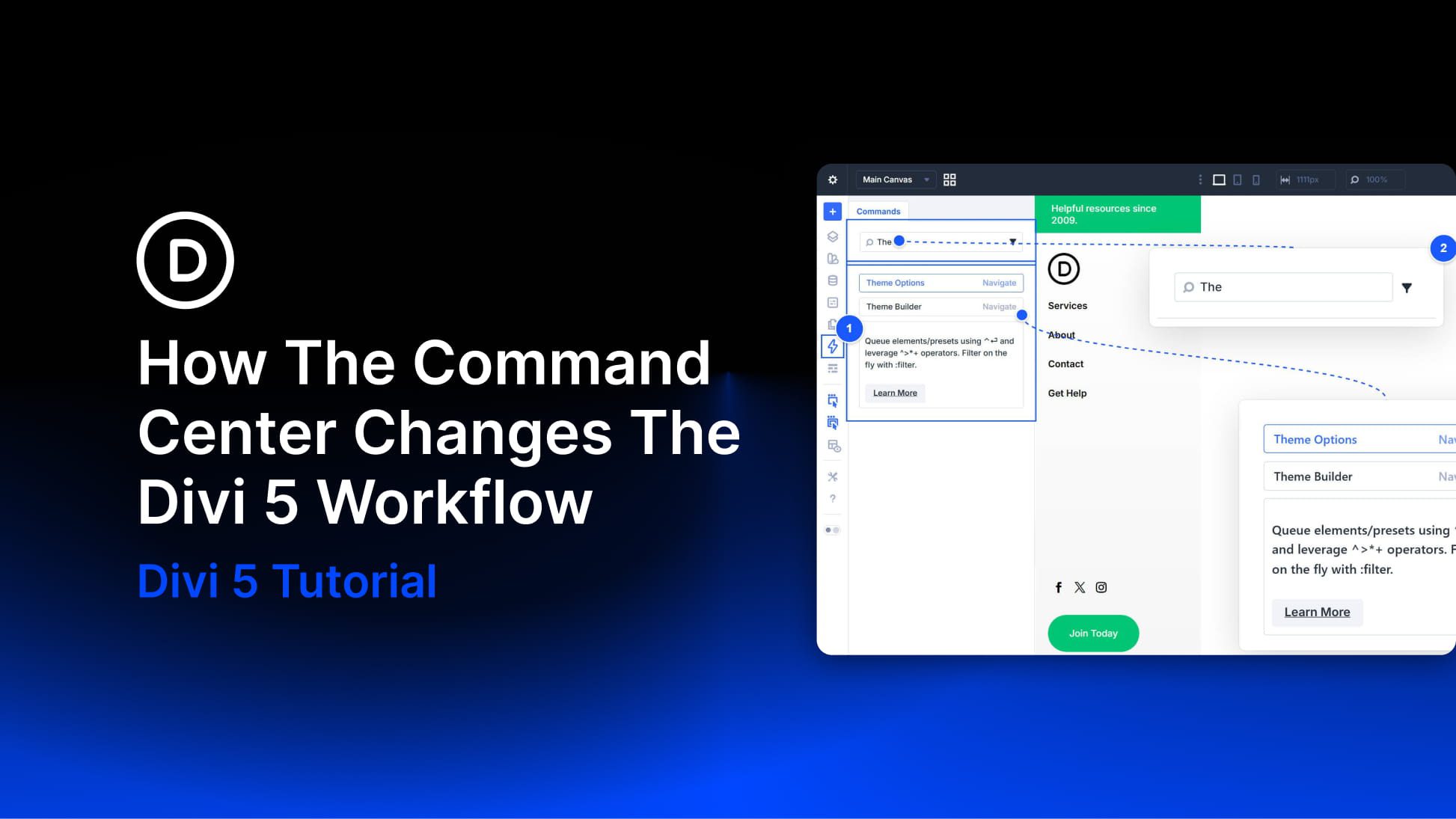
- How The Command Center Changes The Divi 5 Workflow
 by Christopher Morris on April 17, 2026 at 4:00 pm
Divi 5 gives you more than one way to work. You can click through settings panels and modals when you want fine-grained control. You can use keyboard shortcuts for speed when performing smaller, repeatable actions. The Command Center adds a third option. It lets you trigger more complex builder tasks at keyboard speed, including navigation, The post How The Command Center Changes The Divi 5 Workflow appeared first on Elegant Themes Blog.
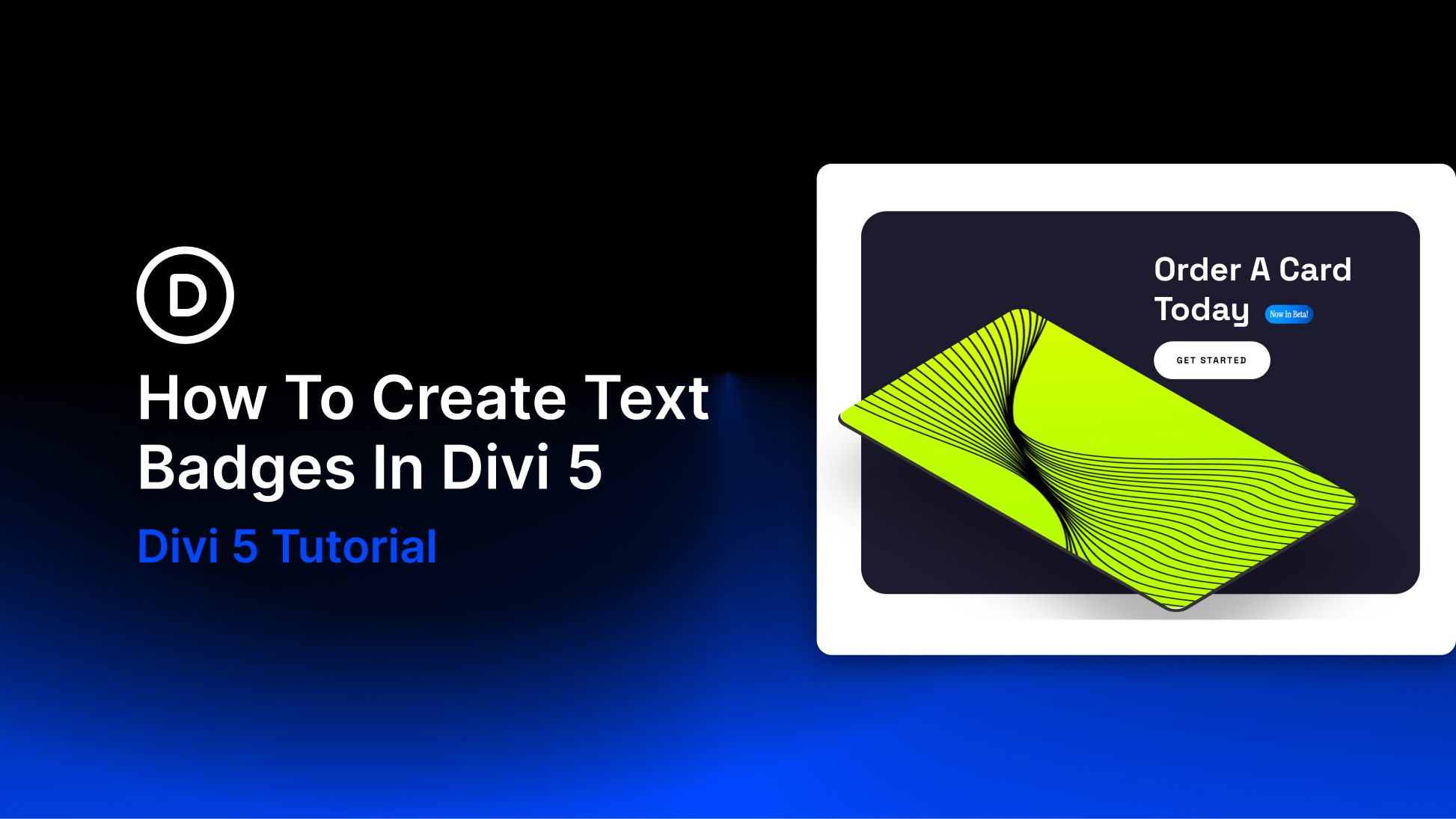
- How To Create Text Badges In Divi 5
 by Aayush on April 16, 2026 at 4:00 pm
Badges are a small part of web design, but they solve a very specific problem well. They add quick context without interrupting the rest of the layout. You see them on product cards, pricing tables, documentation pages, and feature lists because they can communicate something useful in very little space. Labels like New, Sale, Beta, The post How To Create Text Badges In Divi 5 appeared first on Elegant Themes Blog.
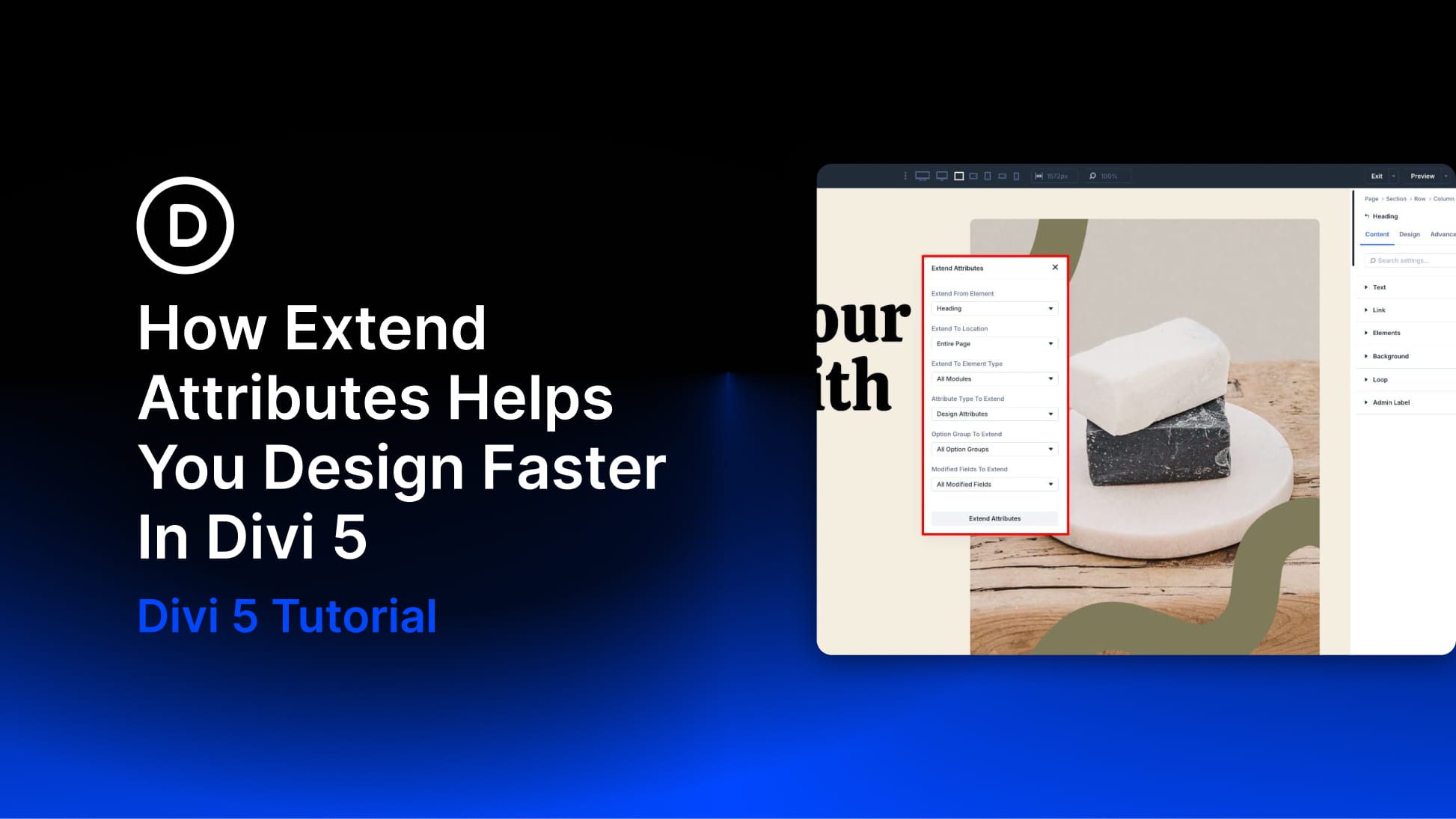
- How Extend Attributes Helps You Design Faster In Divi 5
 by Ekta Swarnkar on April 15, 2026 at 4:00 pm
Divi 5 includes several features that help speed up your workflow and keep designs consistent as layouts grow more complex. Extend Attributes is one of the most practical because it lets you take styles, content, or presets from one element and apply them across other elements in just a few clicks. That makes it especially The post How Extend Attributes Helps You Design Faster In Divi 5 appeared first on Elegant Themes Blog.
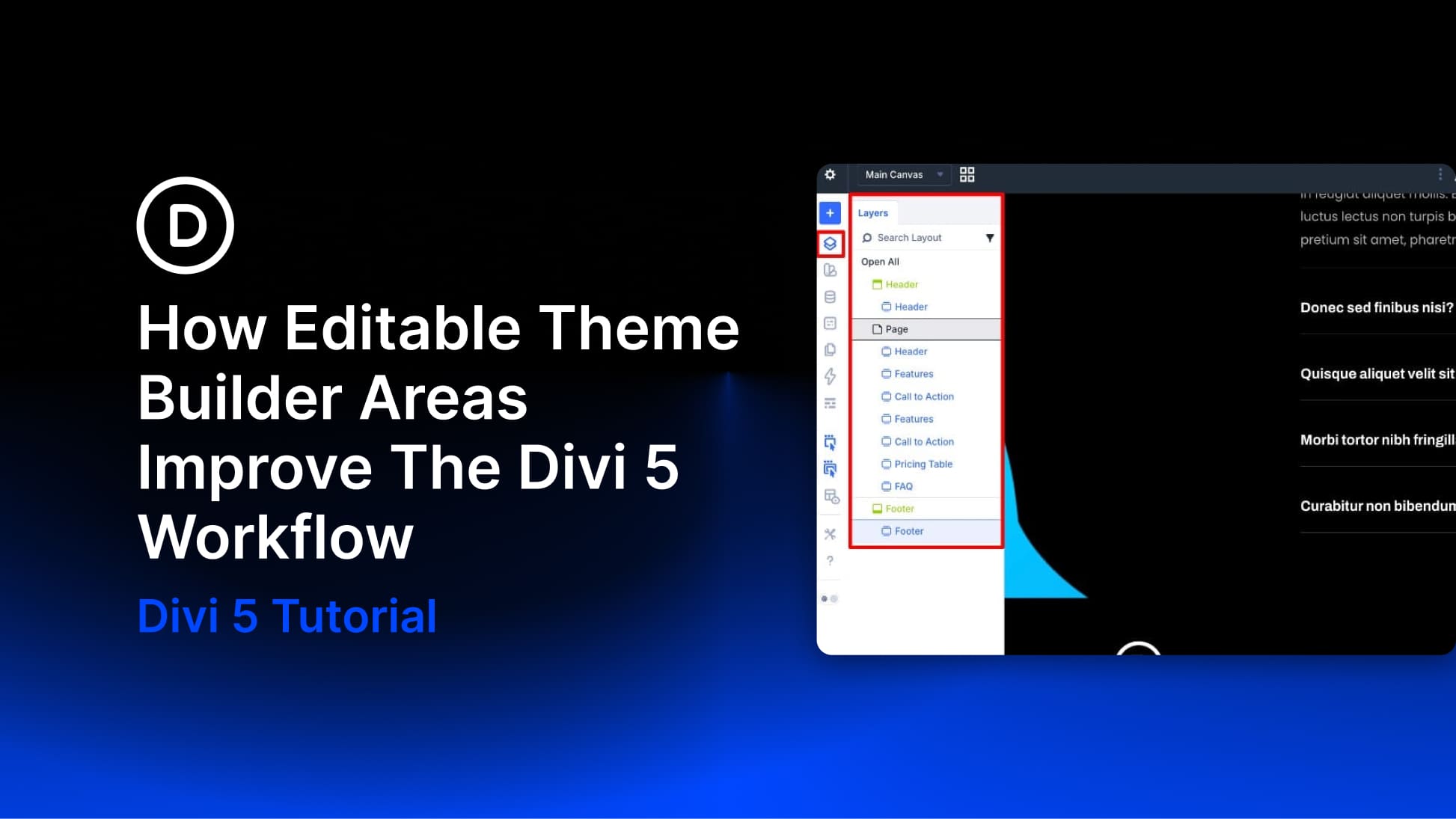
- How Editable Theme Builder Areas Improve The Divi 5 Workflow
 by Ekta Swarnkar on April 14, 2026 at 4:00 pm
Building a complete website in Divi has traditionally involved a fair amount of back-and-forth. You’d work on a page, notice something off in the header or footer, exit the builder, open the Theme Builder, make the fix, and then return to the page you were editing. It wasn’t a dealbreaker, but it added friction to The post How Editable Theme Builder Areas Improve The Divi 5 Workflow appeared first on Elegant Themes Blog.
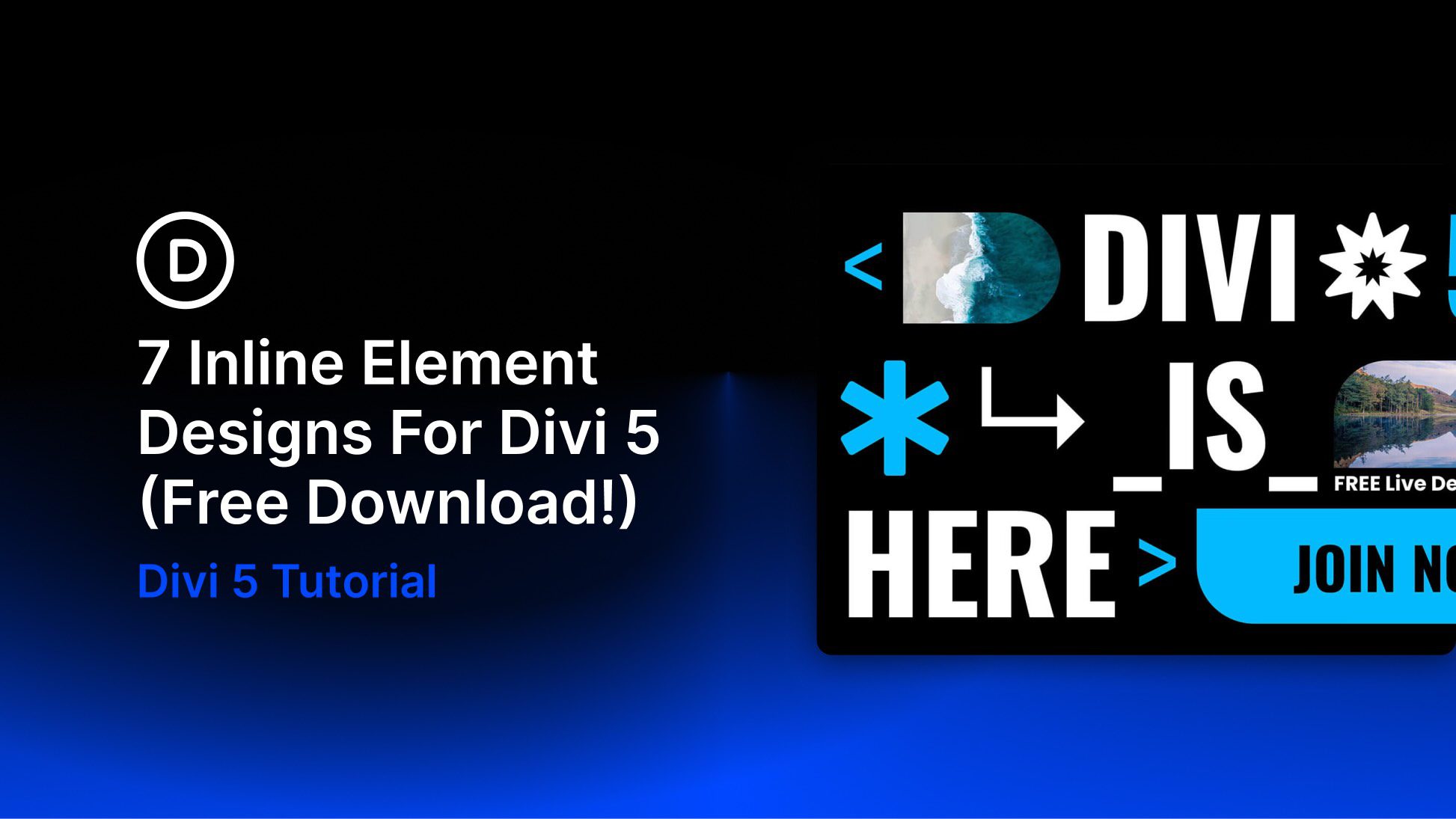
- 7 Inline Element Designs For Divi 5 (Free Download!)
 by Donjete Vuniqi on April 13, 2026 at 4:00 pm
Divi 5 makes it easy to add bold, eye-catching design details without overcomplicating your layout. In this free pack, you’ll get 7 Inline Element Designs created for hero sections, promo blocks, featured announcements, CTA areas, and other content that benefits from decorative shapes, stylish text treatments, and layered visual accents. Drop one into any page, The post 7 Inline Element Designs For Divi 5 (Free Download!) appeared first on Elegant Themes Blog.